
Online game design tutoring, worldwide
Make real games. Ship them. Play each other’s.
Live one-on-one game design lessons on Zoom, for students anywhere in the world. Art, code, 3D, sound and story, built with the same tools the industry uses, and finished as a game people can actually play.
Book an intro call Play student games
No experience needed. Bring a sibling or a friend. Open times show in your own time zone. Every tool has a free option.

Now accepting private students on Zoom, anywhere in the world.
- 2club seasons taught
- 1summer camp taught
- 22games published
- 6engines and tools in the arcade
Student games
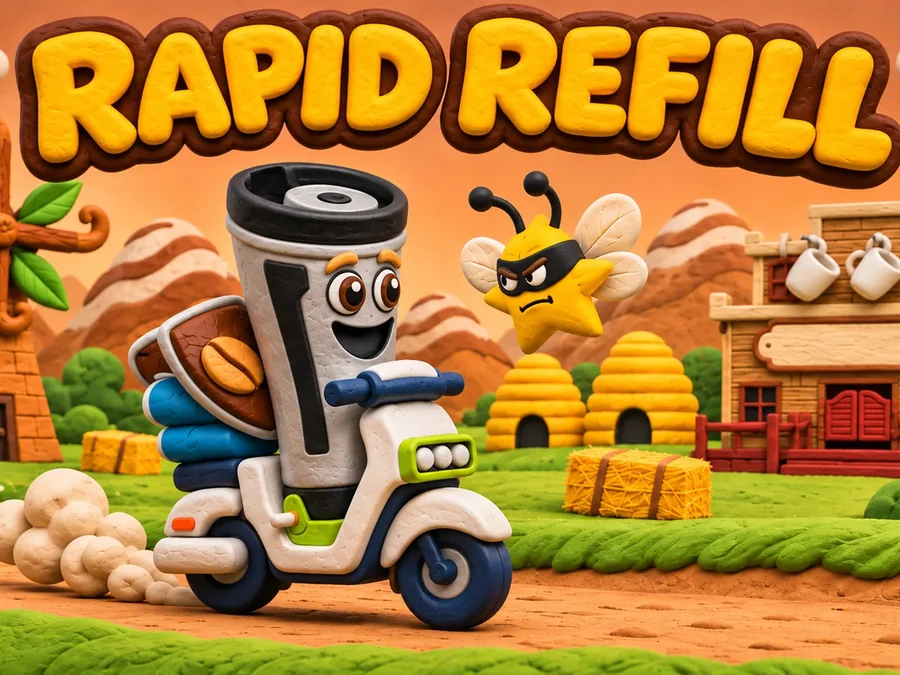
Every one of these was made by students I taught, by the club as a team, or by me. Most play right in the browser.
All 22 games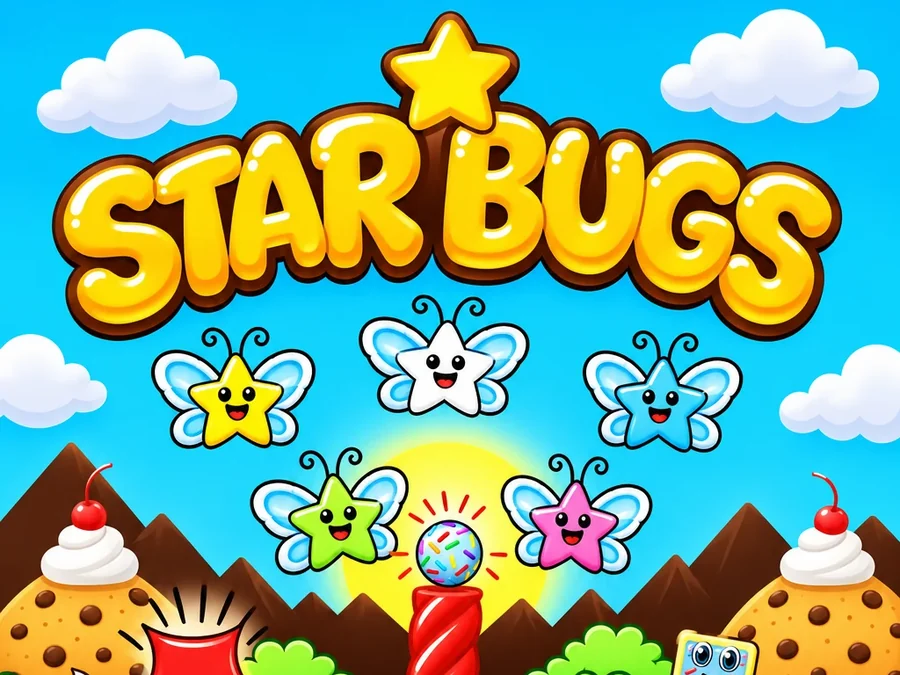
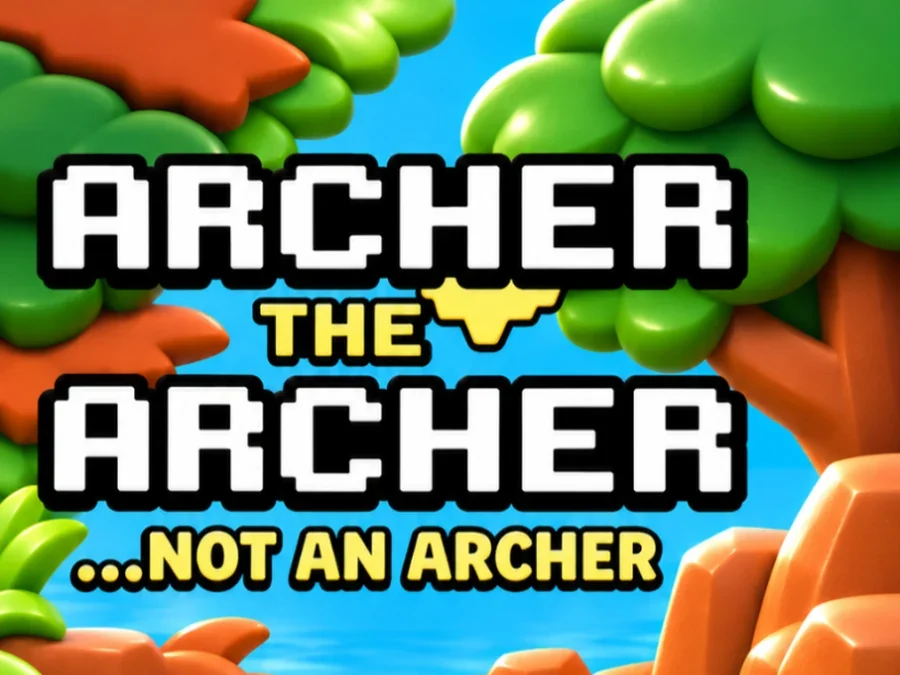
Archer the Archer AR
Aaron Wedra, from the club's game
The club's 2D adventure, rebuilt to play on your table.
Play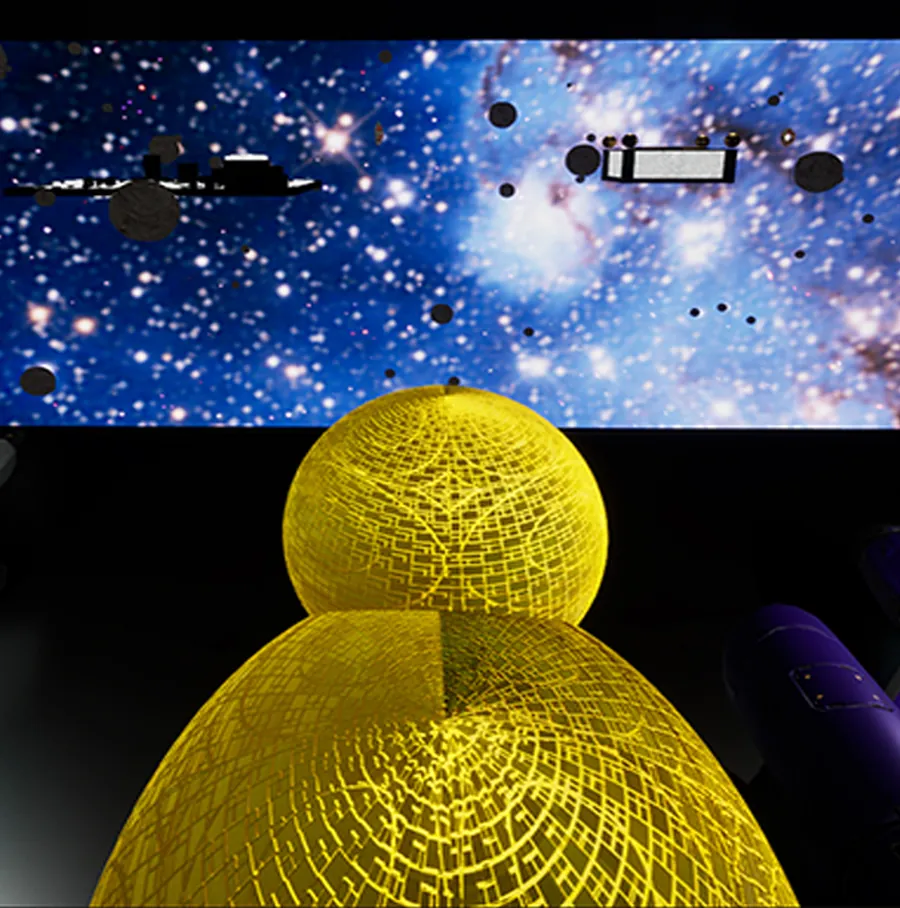
Da Vinci’s Duck Ship
DV Game Design Club
One duck. Endless possibilities among the stars. The club’s flagship game.
Play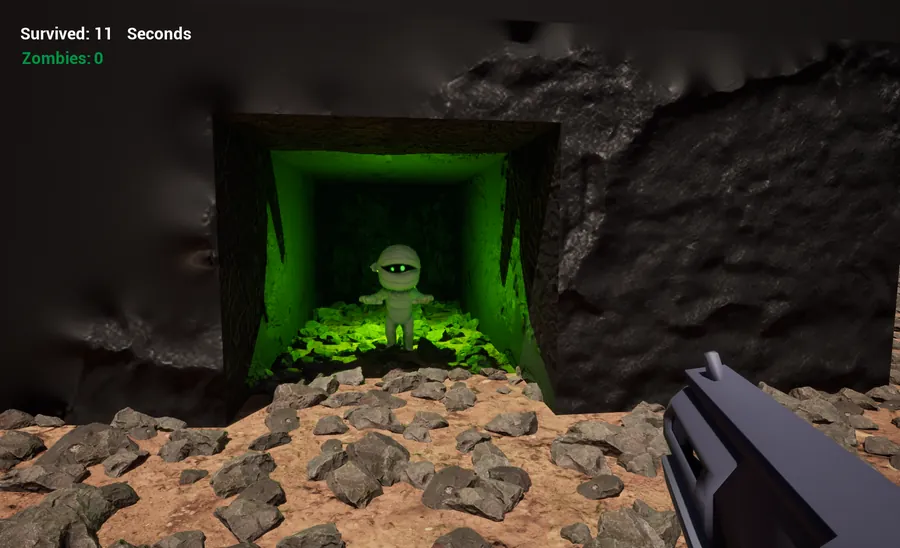
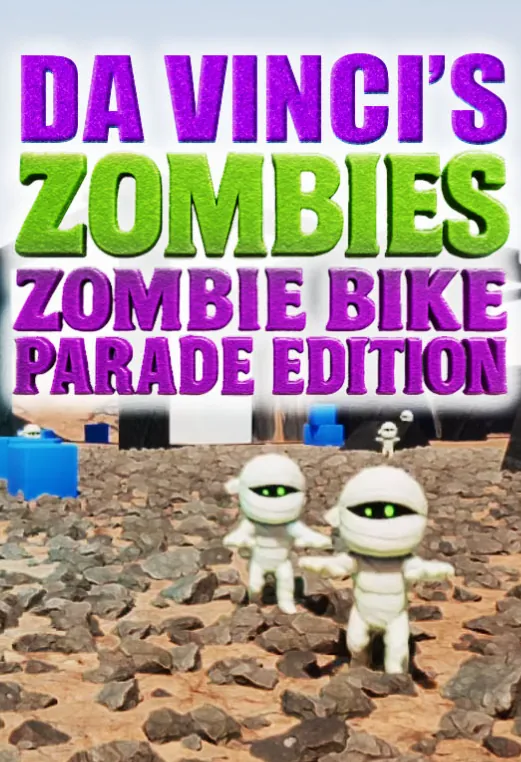
Da Vinci’s Zombies: Bike Parade Edition
Video Game Design Club
A special festival edition of the club’s Zombies game, made for the Zombie Bike Parade in Davis.
Play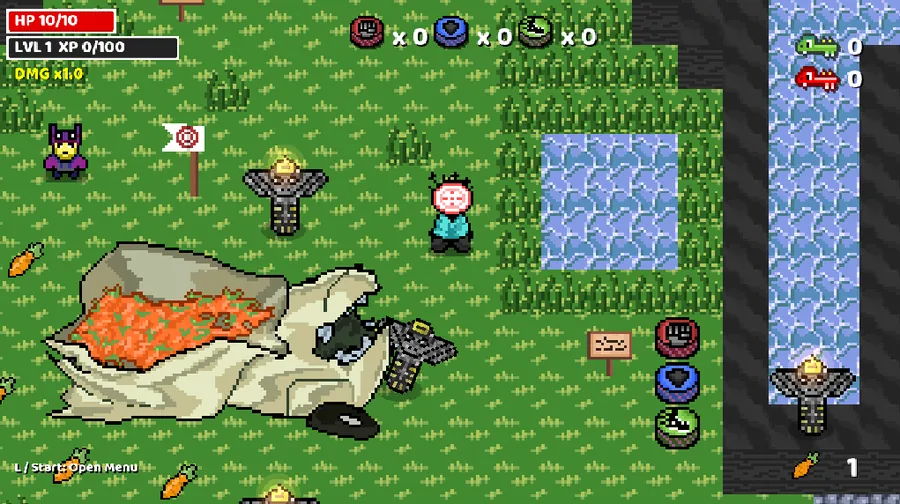
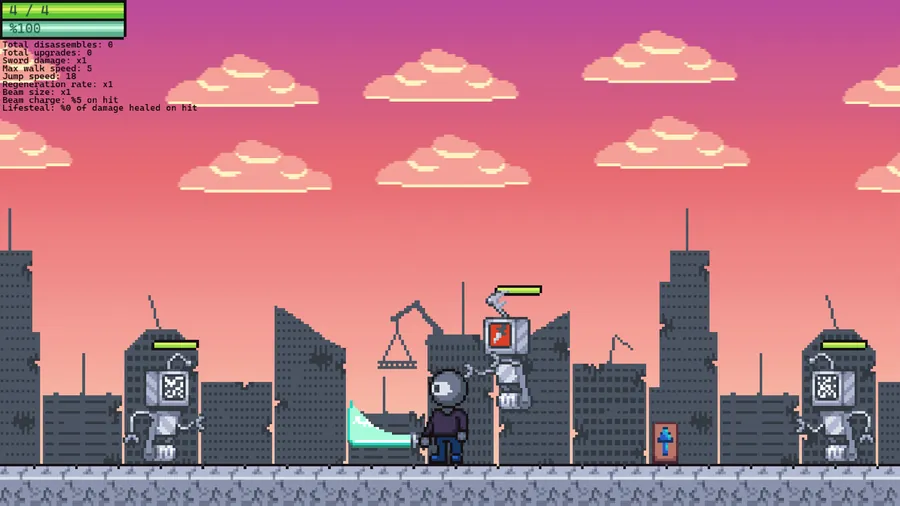
Robot Survival
Cairo Love
Beat them all. A solo project, every pixel and line of code made by hand.
PlayHow it works
Book an intro call
Pick a time on the calendar. We talk about what your student wants to make and what computer they have.
Get a plan
I can put together a plan around one goal: a first game, a portfolio piece, or a skill like 3D modeling or sound.
Meet on Zoom
We build together on a shared screen, on a schedule that fits your week.
Ship it
The goal is something finished and playable that your student can share.
What you can learn
A first 2D game
GameMaker or GDevelop. The fastest way to a finished game.
A 3D game in Unreal Engine
Levels, Blueprints, sound and a playable build.
3D art in Blender
Modeling, texturing, rigging and getting it into an engine.
Pixel art and animation
Aseprite, Piskel or Photoshop, from a single sprite to a full character.
Sound and music
Recording, editing and putting your own audio in a game.
A portfolio piece
A polished game or asset for a college application or an internship.
AI-assisted game making
Claude Code, 2D to 3D model generation and Mixamo rigging, brought into GameMaker, Unreal Engine and Blender.
Bring a sibling or a friend
Sessions are one-on-one by default. If your student would rather build with a brother, a sister or a friend, they can share the session and make one game together or one each.
What you need
- A Windows PC or a Mac. A Chromebook works for browser tools like GDevelop, Scratch and Piskel.
- A steady internet connection and Zoom.
- Free software. I can help install it in the first session.
- A gaming PC only if the goal is Unreal Engine.
Industry tools, student-sized
- Unreal Engine
- GameMaker
- GDevelop
- Blender
- Aseprite
- Photoshop
- Illustrator
- Pro Tools
- Claude Code
- Mixamo
- Scratch
Your budget will not stop your creativity
Every tool we use has a free option
You do not need to buy software to make a stunning, state of the art game. The same engines behind hit games are free to learn on, and I can help you choose a free setup for whatever you want to build. I believe in keeping costs low for the people I work with, so if budget is a concern, it is no problem.
- Unreal EngineFreeFree to learn and build with. The engine behind many of the biggest games.
- GodotFreeFree and open source, for 2D and 3D.
- GameMakerFreeFree for games you do not sell.
- GDevelopFreeFree, no code needed, runs in the browser.
- BlenderFreeFree and open source 3D modelling and animation.
- Krita and PiskelFreeFree drawing and pixel art.
- AudacityFreeFree sound recording and editing.
- MixamoFreeFree character rigging and animation.
Your instructor
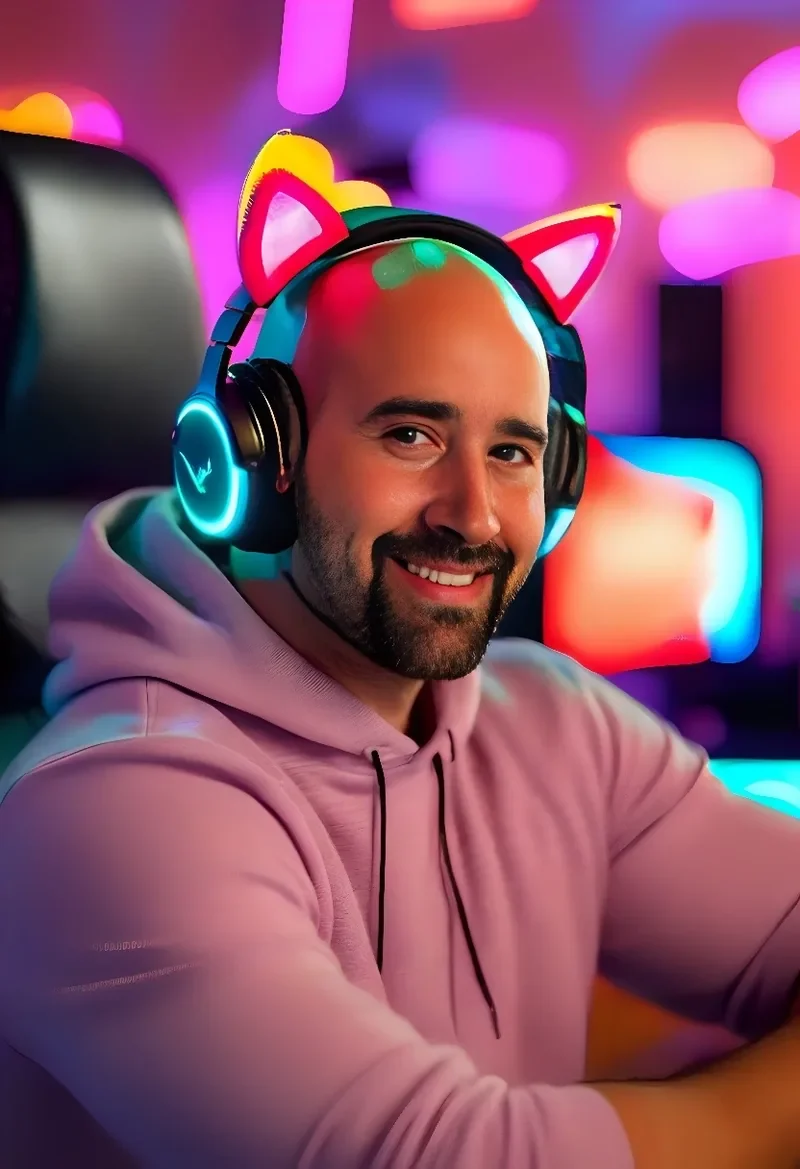
I am Aaron Wedra. I founded the Yolo County Video Game Design Club at Da Vinci Charter Academy in Davis, California, and taught two club seasons and a summer camp there. The students in those programs made the games in the arcade. I live in Portugal now and I am accepting private students on Zoom.
Questions parents ask
Do we need to buy software?
No. Every tool I teach has a free option, and free software can make stunning, state of the art games. If budget is a concern, tell me and I can set you up with a fully free toolkit.
What ages do you teach?
The club was for high school students and the summer camp started with rising 8th graders. Younger students are welcome with browser tools and a parent nearby. Tell me the age on the intro call.
Is it really one-on-one?
Yes, unless your student brings a sibling or a friend.
What does it cost?
It depends on session length and how often we meet. We can go over it on the intro call.
What time zones can you work with?
The booking calendar shows open times in your own time zone, so what you see is what is available.
How do parents stay in the loop?
A parent books the first session and is welcome to sit in on any session. Students under 13 should have a parent write or book for them.
How do AI tools fit in?
They are tools, like any other. Some have their own age rules, so with younger students I can run them on the shared screen while the student directs.
What if our computer is too slow for Unreal Engine?
We can start in GameMaker, GDevelop or Blender, which run on modest computers, and move up later.